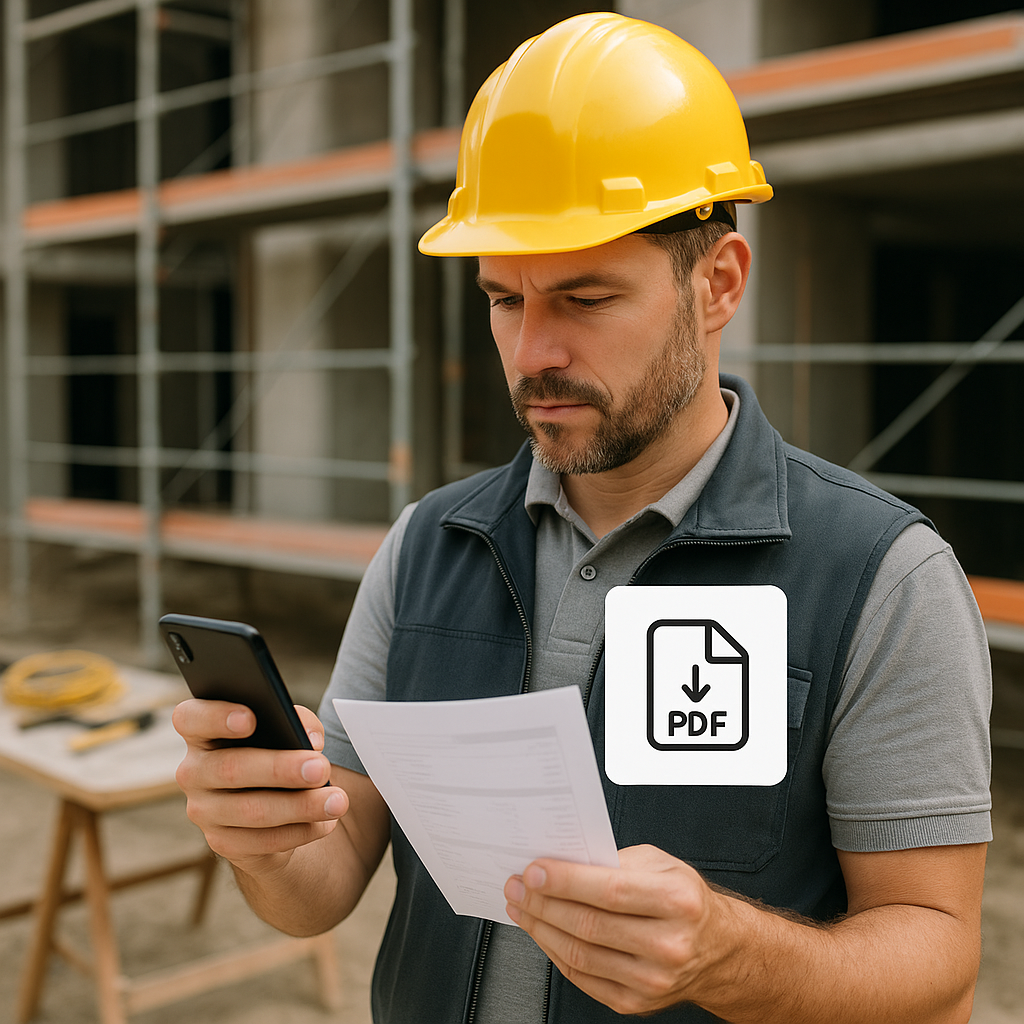
Why Speed Matters in Bid Management
Let’s start with the obvious: time kills deals. If your quote arrives three days after a site visit, odds are the prospect has already moved on. And if you’re relying on desktop tools to manage bids, you’re probably losing more opportunities than you think.
In the construction world, speed isn’t just nice to have—it’s critical. Prospects want fast answers. They want to know your price and timeline while the problem is still top of mind. Waiting until you’re back at the office to build a Bill of Quantities (BOQ) and generate a PDF quote? That’s a recipe for missed chances.
This is where a field-friendly PDF workflow comes in.
The Problem with Traditional PDF Workflows
Most contractors I’ve worked with share the same pain. Quotes take too long because the workflow is clunky. Here’s a typical process:
- Visit the site and scribble notes on paper or in your phone’s notepad app.
- Take a few photos and hope you remember what they’re for later.
- Drive back to the office, open your ERP system, and manually re-enter everything.
- Build a BOQ (line by painful line) on desktop.
- Generate the PDF quote and email it to the customer.
Best case? This takes two or three days. Worst case? You forget half the details, and the quote never gets sent. Either way, you’ve probably lost the bid.
Concrete Example: Lost Opportunities
Take John, a general contractor working on residential renovations. John recently visited a potential client’s home to scope out a kitchen remodel. He jotted down measurements in a notebook, took some photos on his phone, and left the site feeling confident. But by the time he got back to his office two days later, he couldn’t remember why he took certain photos. Piecing the details together delayed the quote, which the client eventually rejected in favor of a faster competitor. If John had used a mobile app to capture and organize his findings on-site, he could have sent the quote within hours, potentially winning the job.
The Fix: A Field-Friendly PDF Workflow
Now imagine this: you’re standing on-site with your phone. The customer asks for a quote. You:
- Open your mobile app (like BidNext) and create a new enquiry on the spot.
- Snap photos, attach them directly to the enquiry, and log the scope of work.
- Build a BOQ right there—line by line—with quantities, rates, and classifications.
- Click a button to generate a PDF quote.
- Hand the customer a professional document before you leave.
No delays. No rework. No lost opportunities.
Actionable Steps to Implement a Faster Workflow:
- Invest in the Right Tools: Look for mobile-first bid management tools like BidNext. Ensure the app integrates seamlessly with your existing ERP.
- Train Your Team: A new tool is only as good as its adoption. Schedule hands-on training sessions so every team member knows how to use the app effectively.
- Standardize Your BOQ Format: Create templates for common jobs so you can populate details quickly.
- Leverage Offline Capabilities: Choose a tool that works without internet access, ensuring you can capture data no matter where the site is.
Why Field-Friendly PDFs Work
You might be thinking, “Why does it matter if I send the PDF later?” Here’s why:
1. First-Mover Advantage
Being the first contractor to send a quote gives you a psychological edge. Customers perceive speed as competence. According to a 2022 study by McKinsey, 70% of customers make their decision based on the fastest response time, even if the price is slightly higher.
2. Fewer Errors
When you build a BOQ on-site, you’re less likely to miss details or input incorrect data later. For example, one HVAC contractor reduced errors by 30% after switching to a mobile BOQ builder—saving them thousands in costly revisions.
3. Time Saved
No double-entry means you’re done in minutes, not hours or days. Multiply this by dozens of bids per month, and the time savings are substantial. Contractors using mobile bid tools report saving up to 8 hours per week, according to a 2021 survey by Construction Dive.
Real-World Example
Let me share a quick story. A mid-sized MEP contractor I worked with had a serious problem with delayed quotes. Their sales reps used WhatsApp for site notes, spreadsheets for BOQs, and email to send PDFs. It took them five days to turn around a quote on average.
After switching to BidNext, they cut that time to under two hours. One of their reps even closed a deal the same day because the customer was so impressed with the instant response. Their margins improved too—fewer errors meant fewer costly revisions. Over six months, the company saw a 15% increase in their win rate for bids.
Comparison Table: Traditional vs. Field-Friendly Workflows
| Feature | Traditional Workflow | Field-Friendly Workflow |
|---|---|---|
| Quote Turnaround Time | 2–5 days | 1–2 hours |
| Error Rate | High (manual re-entry) | Low (real-time data capture) |
| Customer Perception | Slow, outdated | Fast, professional |
| Offline Capability | Not possible | Fully offline-ready |
| Tool Integration | Limited | Seamless with ERP |
What About Offline Scenarios?
“But Prachi, what if I’m on a site with no internet?” Good question. BidNext’s offline-ready architecture solves this. You can create enquiries, build BOQs, and prep your PDF quote without connectivity. The data syncs automatically once you’re back online. No excuses, no delays.
Case Study: Remote Sites
A roofing contractor in rural Texas frequently worked on sites with no cellular coverage. Before BidNext, they had to wait until they returned to the office to complete quotes. After adopting BidNext, they could generate quotes offline on-site and sync them later, reducing their turnaround time by 50%.
The Bottom Line
If your bidding process isn’t optimized for speed, you’re leaving money on the table. A field-friendly PDF workflow isn’t just convenient—it’s essential. Tools like BidNext eliminate the bottlenecks, giving you a competitive edge.
Ready to stop losing bids to slow workflows? Get started with BidNext for free →
Learn more at JobNext.ai - Construction ERP