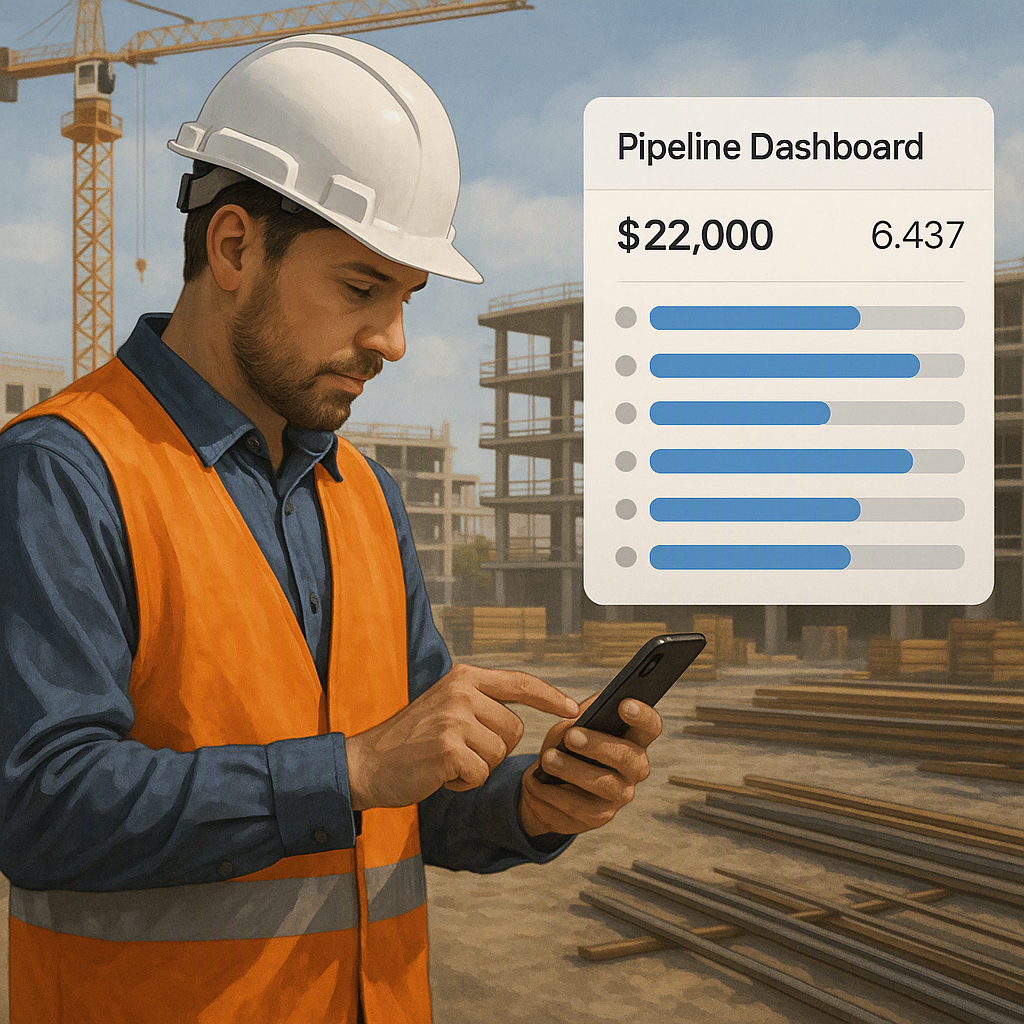
Why I Was Wrong About Field Sales CRM
I used to believe CRM systems were overhyped. They felt like bloated software tools that sales teams used to track leads and log follow-ups. Useful for office-based teams, sure, but not a game-changer for contractors juggling job sites, client meetings, and pre-construction work. After all, most contractors I knew relied on WhatsApp, spreadsheets, and good old-fashioned notebooks to manage prospects. Why complicate things with tech?
But then I started seeing the cracks—missed follow-ups, delayed quotes, and cold prospects. It wasn’t just inefficient; it was costing businesses real money. The kicker? Most of these issues boiled down to one thing: contractors couldn’t access their CRM while on-site.
The Thing That Changed My Mind
In 2023, I visited a mid-sized MEP contractor in Dubai. They were struggling to close deals despite having a solid reputation. Their desktop CRM was excellent on paper—it tracked leads, sent reminders, and generated reports. But it was stuck in the office. Whenever their field teams visited sites, they’d jot down notes on paper or snap photos on their phones. By the time they returned to the office to update the CRM, prospects had gone cold.
One project manager told me bluntly, “Half the time, I don’t even bother updating the CRM. It’s faster to just text someone to follow up, but then details get lost.” That’s when I realized the problem wasn’t CRM itself—it was the lack of mobility.
The Key Problem: Delayed Data
This experience highlighted a major issue with traditional CRMs: they’re built for static environments. Contractors rely heavily on real-time data because their work happens across dynamic job sites. Delayed data entry creates bottlenecks that harm efficiency and profitability. Missed follow-ups, incomplete quotes, and lost prospects are just the tip of the iceberg.
Why the Old Belief Survived
I can’t blame contractors for sticking to desktop CRMs for so long. For years, CRM vendors focused on office-based industries like retail and financial services. Their systems were designed for sales reps sitting at desks, not supervisors running between job sites. Plus, paper methods worked—for a while. Sticky notes and spreadsheets were easy to use and didn’t require training.
And let’s be honest, no one likes change. Switching to mobile CRMs felt daunting for many contractors. They worried about high costs, complicated interfaces, and the risk of tech failures in areas with poor connectivity. But as projects grew larger and timelines tightened, those old methods started breaking down.
Why Mobile CRMs Are Different
Mobile CRMs have changed the game for field sales teams. Unlike desktop CRMs, they prioritize accessibility, real-time updates, and user-friendly interfaces. For contractors working on-site, these systems bridge the gap between fieldwork and office operations.
Here’s a breakdown comparing traditional methods with desktop and mobile CRM systems:
Comparing Paper Methods vs. CRM Systems:
| Feature | Paper Methods | Desktop CRM | Mobile CRM |
|---|---|---|---|
| Ease of Use | Very simple, no training needed | Moderate; requires training | User-friendly apps available |
| Data Accuracy | Prone to errors and misplacement | Better than paper, but delayed | Real-time updates |
| Accessibility | Always accessible | Office-bound | Accessible anywhere |
| Follow-Up Efficiency | Often missed | Better, but slower | Instant reminders and tracking |
| Integration | None | Limited | Seamless ERP integration |
The table shows why mobile CRMs win out in most scenarios, especially for field operations. While paper methods might feel “easier,” they’re ultimately inefficient and unsustainable for growing businesses. Desktop CRMs, though better than manual tracking, fail field teams by limiting functionality to office environments. Mobile CRMs address these gaps by providing tools designed for contractors who are always on the move.
What I Do Differently Now
Today, I recommend mobile-first CRM systems like BidNext to every contractor I meet. Why? Because they solve the exact problems I saw in Dubai. With BidNext, field teams can add prospects, schedule follow-ups, and even convert leads into enquiries—right from their phone.
Actionable Steps to Implement Mobile CRM Effectively:
- Choose the Right CRM: Look for a platform tailored to construction workflows. BidNext, for instance, offers features specifically for field teams, like offline mode and ERP syncing. Generic CRMs won’t cut it for site-based operations.
- Train Your Team: Adoption starts with understanding. Conduct workshops or webinars to help field teams learn the app. Focus on how features like real-time updates and site survey modules save time.
- Set Up Mobile Access: Equip your team with smartphones or tablets that can handle the CRM app. Ensure they have access to necessary data, like contracts or client histories, on the go.
- Integrate ERP Systems: If your CRM can merge with ERP platforms, set this up early to avoid double data entry and ensure seamless workflows.
- Monitor Usage and Feedback: Regularly review how your team is using the CRM. Are they updating notes immediately after meetings? Are follow-ups happening faster? Use this data to refine processes.
Key Features of BidNext:
- Customer 360° View: Access client history, contracts, invoices, and comments instantly. Perfect for field teams who need real-time data.
- Site Survey Module: Capture scope details, material requirements, manpower plans, and compliance data during the first visit. Syncs automatically.
- Offline Functionality: Allows data entry even in remote areas without connectivity. Syncs when back online.
What Being Wrong Cost
Here’s the hard truth: my old belief cost contractors time and money. Without real-time CRM access, field teams were losing prospects to competitors who followed up faster. Delayed quotes meant fewer closed deals. And inconsistent data created project inefficiencies that ate into margins.
Even now, I’m not entirely sure mobile CRMs will work for every contractor. Smaller firms might struggle to justify the investment, while teams in remote areas might face connectivity issues. But for mid-sized and larger contractors, the benefits far outweigh the risks.
How to Calculate the ROI of a Mobile CRM
To make the case for a mobile CRM, contractors should calculate the return on investment (ROI). Here’s how:
- Estimate Lost Revenue: Assess the average value of a missed prospect or a delayed quote.
- Identify Time Wasted: Calculate how much time field teams spend on manual data entry or chasing updates.
- Compare Costs: Weigh the CRM’s subscription and training costs against the potential revenue gains from faster follow-ups and improved efficiency.
- Track Results: After implementation, monitor closed deals, reduced errors, and improved time management to understand how the CRM is driving ROI.
The Bottom Line
If you’re still relying on desktop CRMs or manual methods, you’re leaving money on the table. Tools like BidNext bridge the gap between the office and the field, ensuring your team never misses a follow-up or delays a quote. Implementing a mobile CRM isn’t just a tech upgrade—it’s a critical shift that can transform your business operations and profitability.
Ready to take the leap? See how BidNext can streamline your workflows and grow your business. Get started free →
Learn more at JobNext.ai - Construction ERP