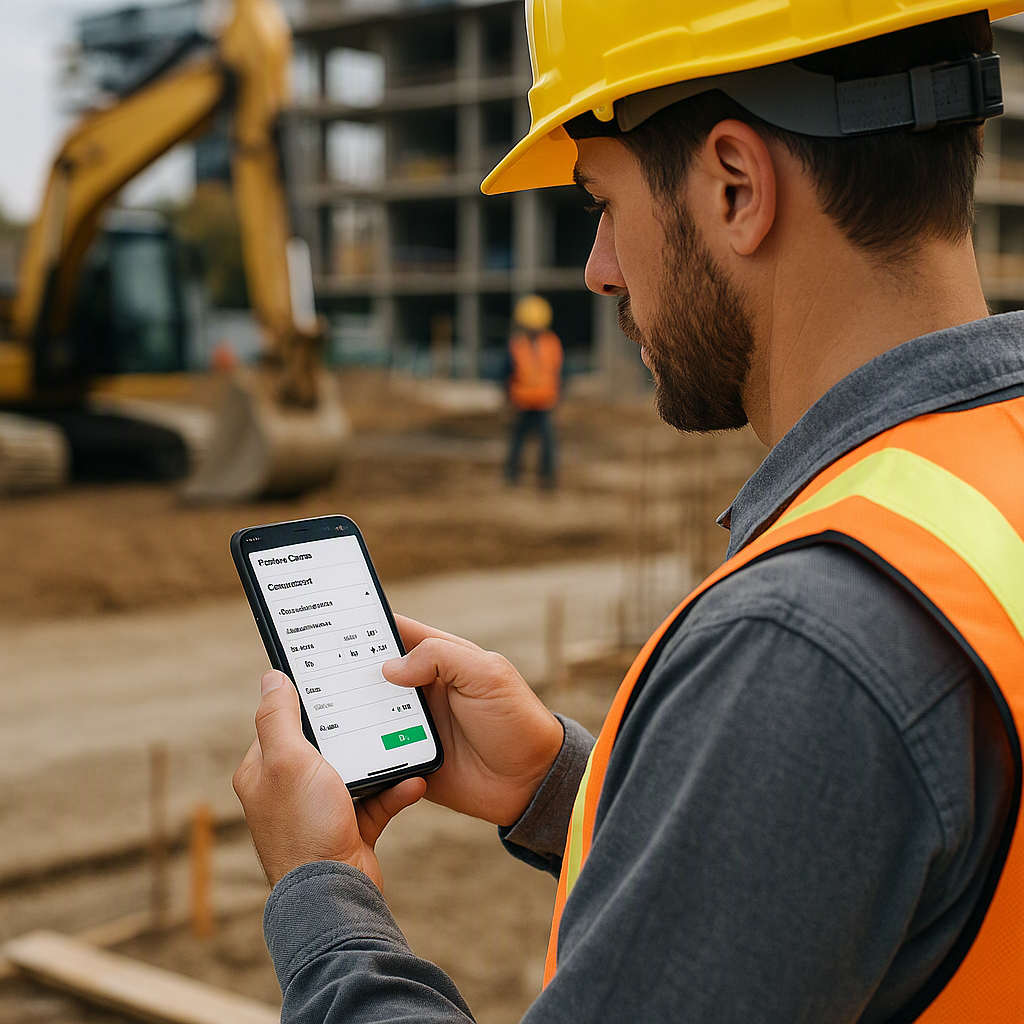
Let’s Be Real: Building BOQs On-Site Is a Nightmare
If you’ve ever tried building a Bill of Quantities (BOQ) on-site, you know the struggle. You’re juggling paper notes, WhatsApp messages, and Excel sheets while trying to remember what your site survey actually looked like. It’s messy. And messy leads to mistakes.
Here’s the kicker: 73% of contractors say BOQ errors are a significant cause of budget overruns. McKinsey & Company backs this up — construction productivity hasn’t improved in 20 years because we’re still relying on outdated tools and workflows. Sound familiar?
The Problem: Desktop-Based Tools Don’t Work in the Field
Most BOQ workflows assume you’re sitting in an office with dual monitors, high-speed internet, and time to kill. But what if you’re on-site? Or stuck in traffic between jobs? That’s where the real problems start:
- Paper Doesn’t Cut It: You jot down measurements, materials, and scope in your notebook. Then you lose the notebook.
- Excel Isn’t Mobile-Friendly: Have you ever tried editing a 50-line Excel sheet on your phone? It’s painful.
- Mistakes Multiply: Every manual step — from re-entering survey data to emailing BOQs back to the office — creates opportunities for errors. And errors cost money.
The Solution: Build BOQs On-Site with Mobile Tools
Here’s how we flipped the script: instead of dragging BOQ creation back to the office, you can now build it then and there with mobile tools like BidNext. It’s fast, accurate, and (finally) practical.
How It Works
-
Start with a Prospect: You’re on-site and meet a potential client. With BidNext, you can create a new prospect on your phone in seconds — no need to wait until you’re back at your desk.
-
Build the BOQ Right There: Open the Enquiry & BOQ Builder. Add items line by line: UOM, quantities, rates, and classifications. The interface is designed for thumbs, not a mouse, so it’s actually usable on a small screen. Need to upload an Excel BOQ sent by the client? No problem — it syncs instantly.
-
Add Context That Sticks: Snap photos of the site, attach scope notes, and flag QHSE (Quality, Health, Safety, and Environment) concerns in the same app. This eliminates the "I’ll remember it later" trap — because let’s be honest, you won’t.
-
Sync It All to the ERP: The magic happens when BidNext syncs everything to JobNext ERP in real-time. No double entry. No missed data. No excuses.
Why It Works Better
- Accuracy Goes Up: You’re entering data while it’s fresh, not days later when you’ve already forgotten half the details.
- Speed Saves Deals: Instead of taking 3-5 days to send a quote, you can turn it around in hours. That’s the difference between winning and losing a job.
- No Gaps: Management can see what’s happening in real-time, not wait for next week’s report. Transparency keeps everyone accountable.
You’re Skeptical? Here’s What You’re Thinking
“What if I don’t have internet on-site?”
The BidNext app has offline-ready architecture. It saves everything locally and syncs automatically once you’re back online. No signal? No problem.
“I’ve tried mobile apps before, and they’re clunky.”
You’re not wrong — most are terrible. But BidNext was built specifically for contractors, with input from actual field teams. It’s not trying to be a jack-of-all-trades app. It’s focused on doing this one thing really well.
“Why not just stick to Excel?”
Because Excel doesn’t integrate with your ERP, can’t attach site photos, and sure as hell doesn’t remind you to follow up with leads. Plus, it’s 2023 — do you really want to keep relying on tools from the 90s?
The Bigger Picture: Why This Matters
If you’re still using desktop tools for pre-tender workflows, you’re already falling behind. As JobNext’s blog points out, real-time connectivity between field and office isn’t just nice to have — it’s the difference between control and chaos. And in construction, chaos costs money.
Building better BOQs on-site isn’t just about convenience. It’s about accuracy, speed, and staying competitive in an industry where margins are razor-thin. Mobile tools like BidNext aren’t the future — they’re the present. If you’re not using them, you’re already late.
Ready to see BidNext in action?
Companion mobile app to JobNext giving contractors the ability to bid for jobs on the go.
Get Started Free →Learn more at JobNext.ai - Construction ERP